Your Probo Control Center
The Dashboard


The Probo Portal is your control center. It provides a user interface for accessing and managing your Probo environments.
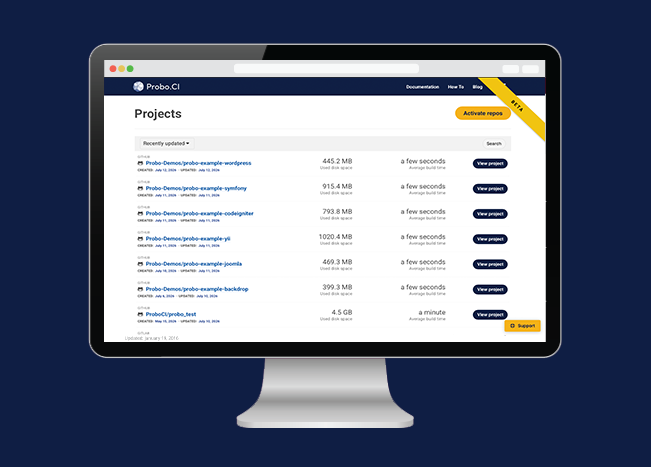
The dashboard lists all of your Probo-enabled repositories. Click the Activate Repos button to access a list of all available repositories. Probo.CI can be turned on and off using the toggle switches found next to each repository (green is on and gray is off).
Click the Sync Repos button to update the repositories listed for your organizations if you have added or removed repositories from your version control account. If you cannot see a repository in your organization, the first step to be to re-synchronize your repositories.

When you sign up for a Probo.CI registration code, you will get a two week trial of the plan of your choosing. For more information on how to get started, click here .
LEARN MORE ABOUT PROBO.CI'S PRICING