Relationships of Repositories to Organizations
Projects Inside Organizations

 Check Your YAML Before It Checks You
  The Long Road Ahead
  Python Support Has Arrived
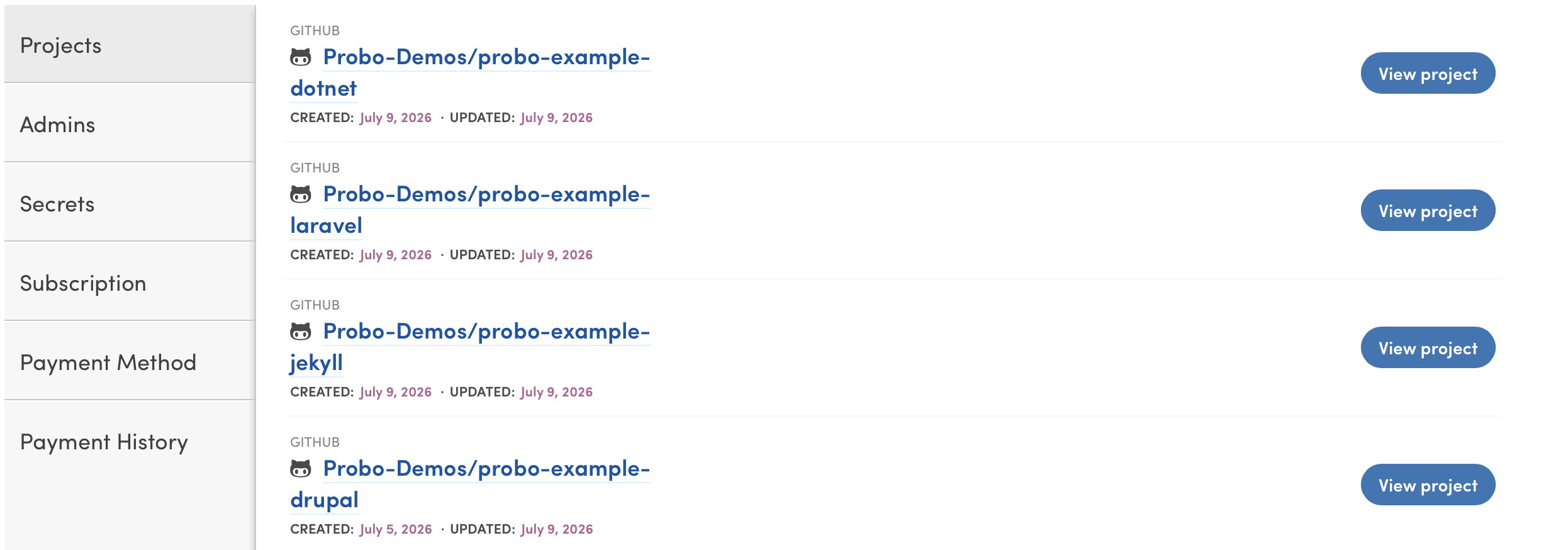
Projects are repositories that have been synced and enabled from a version control account. The Projects overview tab in an organization is where all projects for that organization are listed, accompanied by information specific to each project’s resource usage and latest builds.
Administrators can activate additional Projects by navigating to the Dashboard and clicking the green “Activate Repos” button at the top right of the page. Once activated, Organization members can sync the Project in their own accounts and begin initiating Probo Builds.
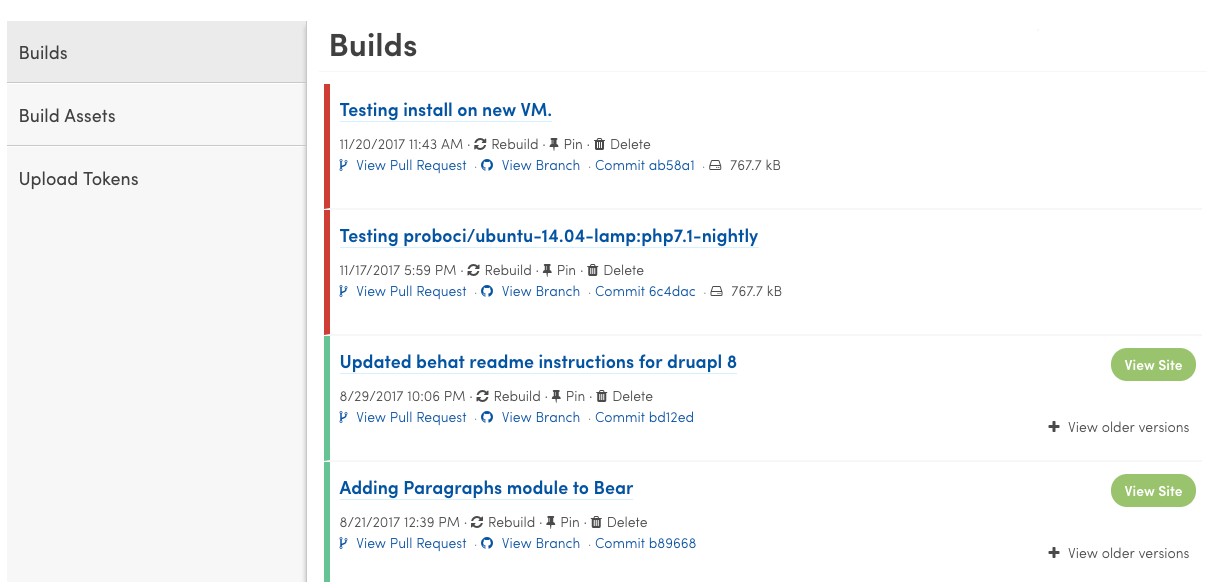
A Project page is broken down into subsections for Builds, Build Assets, and Upload Tokens. All authenticated users in an organization should be able to view and modify settings in these sections.
A Probo Build is a set of instructions run against a Pull Request in an isolated container with settings outlined in your .probo.yaml file. Active builds are listed on each project’s Builds tab, with the project’s latest builds appearing first. For help with your .probo.yaml file you can click here.
A Build Asset is a file uploaded to the Probo Portal that is available to use as a file asset in a build. Build Assets can be added through the Probo UI, or by using the command-line Probo Uploader tool. The Probo Uploader tool requires an Upload Token available on the Upload Tokens tab. More information about Assets is available on the Assets page.

When you sign up for a Probo.CI registration code, you will get a two week trial of the plan of your choosing. For more information on how to get started, click here .
LEARN MORE ABOUT PROBO.CI'S PRICING